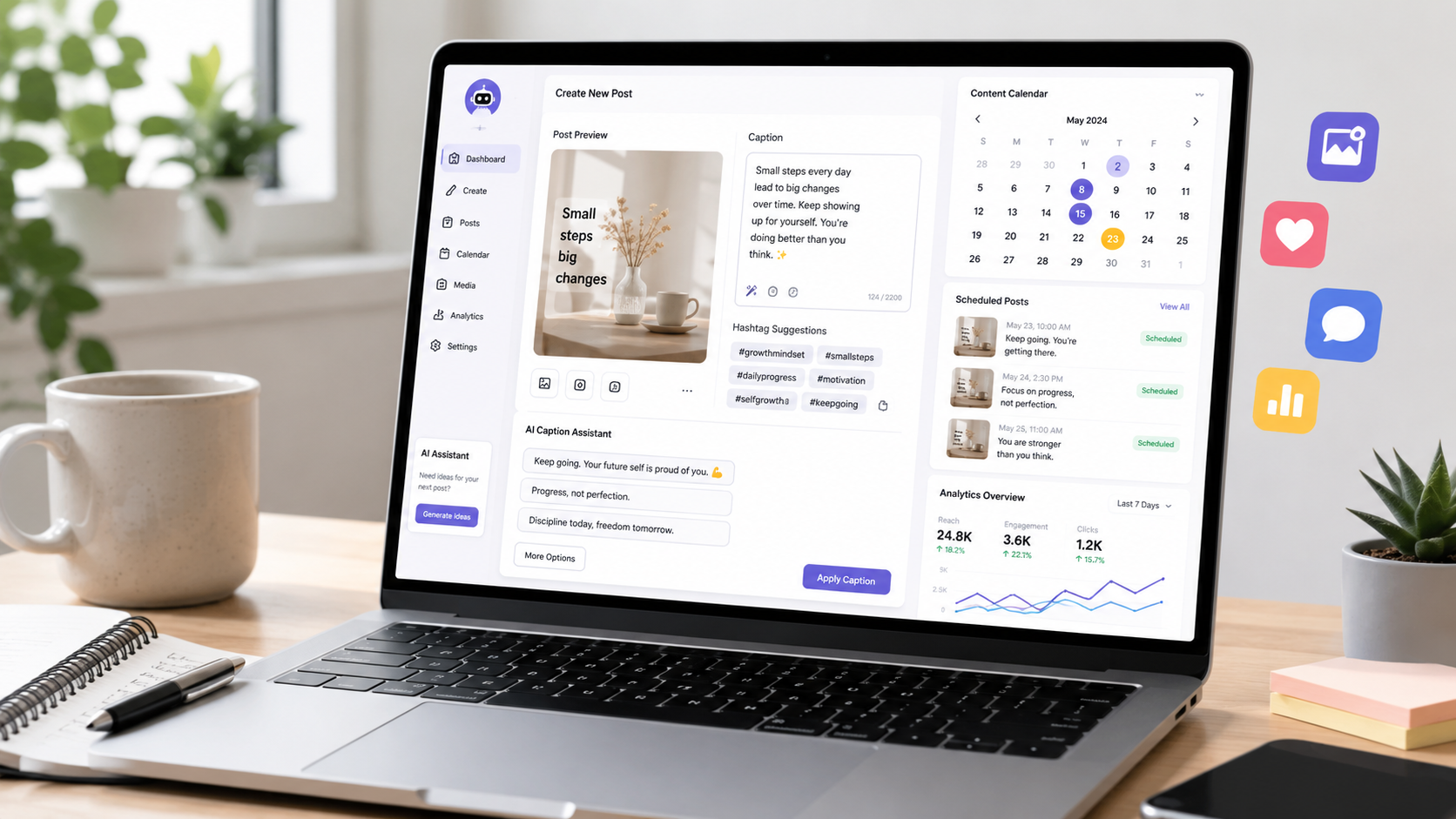
Creating social media content can take a lot of time. You need ideas, captions, images, hashtags, posting schedules, and sometimes videos. If you are a small business owner, blogger, freelancer, or content creator, this can quickly become overwhelming.
The good news is that AI tools can help you create social media content faster. You do not need to be a professional marketer or designer. With the right workflow, AI can help you plan content, write captions, design simple visuals, and repurpose one idea into many posts.
AI should not replace your creativity. Instead, it should help you save time and stay consistent.
In this guide, you will learn how to use AI tools to create social media content faster, even if you are a beginner.
- Use AI to Brainstorm Social Media Post Ideas
One of the hardest parts of social media is knowing what to post. Many people waste time because they open Instagram, TikTok, LinkedIn, or Facebook without a clear idea.
AI tools can help you brainstorm content ideas in seconds.
For example, you can ask an AI tool:
Give me 20 social media post ideas for a small business that sells handmade products.
Give me Instagram post ideas for a fitness coach.
Give me content ideas for a beginner-friendly AI tools blog.
Give me LinkedIn post ideas for a freelancer.
Give me TikTok video ideas for a local business.
The key is to be specific. Instead of asking for “content ideas,” tell the AI your niche, audience, platform, and goal.
A better prompt would be:
Create 20 Instagram content ideas for small business owners who want to save time using AI tools. Make the ideas beginner-friendly and practical.
This gives the AI more direction and helps you get better ideas.
Best use: Content ideas, post topics, educational posts, promotional ideas, and beginner-friendly content planning
- Use AI to Write Better Captions
Captions are important because they help explain your post and encourage people to engage. But writing a good caption can take time, especially if you want it to sound natural.
AI tools can help you write captions faster.
You can ask AI to create captions in different styles, such as:
Professional
Friendly
Short and simple
Educational
Funny
Persuasive
Beginner-friendly
For example, if you have a post about AI writing tools, you can ask:
Write 5 Instagram captions about AI writing tools for beginners. Make them simple, helpful, and engaging.
You can also ask AI to create different versions of the same caption.
For example:
Make this caption shorter.
Make this caption more professional.
Make this caption more friendly.
Add a stronger call to action.
Make this caption better for LinkedIn.
This helps you create platform-specific captions without starting from zero every time.
Best use: Instagram captions, LinkedIn posts, Facebook updates, TikTok descriptions, and short promotional text
- Use AI to Create a Simple Content Calendar
Posting randomly can make social media stressful. A content calendar helps you plan what to post before the week starts.
AI tools can help you create a simple content calendar based on your niche and goals.
For example, you can ask:
Create a 7-day social media content calendar for a blog about AI tools.
Create a 30-day Instagram content plan for a small business.
Create a weekly content calendar for a beginner productivity blog.
Create a content plan with educational posts, tips, product recommendations, and engagement questions.
A simple weekly content plan might look like this:
Monday: Educational tip
Tuesday: Tool recommendation
Wednesday: Common mistake
Thursday: Quick tutorial
Friday: Personal insight or case study
Saturday: Checklist or carousel idea
Sunday: Weekly recap
This makes content creation easier because you are not deciding everything at the last minute.
Best use: Weekly planning, monthly content calendars, post schedules, and content consistency
- Use AI to Turn One Idea Into Multiple Posts
One of the best ways to save time is repurposing content.
Repurposing means taking one idea and turning it into different types of content.
For example, one blog post can become:
An Instagram carousel
A LinkedIn post
A short TikTok script
A YouTube Shorts idea
A Facebook post
An email newsletter
A Pinterest pin idea
A Twitter/X thread
Let’s say you wrote a blog post called “Best AI Writing Tools for Beginners.” You can ask AI:
Turn this blog post into 5 Instagram carousel ideas.
Create a LinkedIn post based on this article.
Write a short TikTok script from this blog post.
Create 10 social media captions from this article.
Turn this article into a simple checklist.
This is powerful because you do not need to create every post from scratch. You can start with one strong piece of content and use AI to turn it into many smaller pieces.
Best use: Repurposing blog posts, creating multiple platform posts, and saving content creation time
- Use AI Design Tools for Graphics and Thumbnails
Social media is visual. Even a good idea can be ignored if the image looks boring or unclear.
AI design tools can help beginners create simple graphics faster. You can use them to make:
Instagram posts
Carousel slides
Blog thumbnails
Pinterest pins
YouTube thumbnails
Promotion banners
Quote graphics
Infographics
You do not need to design everything from scratch. Start with a template, add your topic, adjust the design, and keep it simple.
For example, if your post is about AI writing tools, your graphic could say:
5 AI Writing Tools for Beginners
How AI Can Help You Write Faster
AI Tools That Save Time
Beginner Guide to AI Content Creation
The most important rule is clarity. Do not put too much text on one image. Use a simple title, clean layout, and readable design.
Best use: Social media images, blog graphics, thumbnails, carousels, and promotional visuals
- Use AI to Improve Hooks
The first sentence of your post is very important. On social media, people scroll quickly. A strong hook can make someone stop and read.
AI can help you create better hooks.
Examples of hooks include:
Most people waste hours creating content manually.
If you are new to AI tools, start with this simple workflow.
You do not need 20 apps to create better content.
Here is how to turn one idea into 10 social media posts.
Stop staring at a blank page. Use this AI content method instead.
You can ask AI:
Write 10 strong hooks for a social media post about AI tools.
Make these hooks more beginner-friendly.
Create hooks for small business owners.
Create hooks that make people curious but not clickbait.
A good hook should be clear, interesting, and connected to the real value of the post.
Best use: First lines, carousel titles, short videos, LinkedIn posts, and promotional content
- Use AI to Create Hashtag Ideas
Hashtags are not the only thing that matters, but they can still help organize your content and reach relevant audiences.
AI tools can help you create hashtag ideas based on your topic.
For example, you can ask:
Give me hashtag ideas for a post about AI productivity tools.
Create hashtags for a small business using AI tools.
Give me beginner-friendly hashtags for AI content creation.
A simple hashtag set for an AI tools post could include:
#AITools
#ProductivityTools
#ContentCreation
#AIMarketing
#SmallBusinessTools
#DigitalMarketing
#BloggingTips
#SocialMediaTools
Do not use too many random hashtags. It is better to use hashtags that match your actual topic.
Best use: Hashtag research, niche hashtags, content organization, and social media posting
- Use AI to Rewrite Content for Different Platforms
Different platforms need different writing styles.
A LinkedIn post may be more professional. An Instagram caption may be shorter and more casual. A TikTok script may need to be quick and direct.
AI can help you rewrite the same message for different platforms.
For example, you can ask:
Rewrite this caption for LinkedIn.
Make this post shorter for Instagram.
Turn this idea into a TikTok script.
Make this text more professional.
Make this post easier for beginners to understand.
This saves time because you can create one main message and then adjust it for each platform.
For example, a blog sentence like this:
AI tools can help beginners create content faster and stay consistent.
Can become:
Instagram version: Want to create content faster? AI tools can help you plan, write, and design posts without starting from zero.
LinkedIn version: AI tools can help small business owners and creators improve content consistency by reducing the time spent on ideation, drafting, and repurposing.
TikTok version: If content creation takes too long, try this: use AI to brainstorm ideas, write captions, and turn one post into five.
Best use: Platform-specific posts, rewriting, tone adjustment, and content repurposing
- Use AI to Create Simple Video Scripts
Short-form video is popular, but many people do not know what to say on camera.
AI can help you create simple video scripts for TikTok, Instagram Reels, and YouTube Shorts.
For example, you can ask:
Write a 30-second TikTok script about AI tools for beginners.
Create a short Instagram Reel script about saving time with AI.
Write a YouTube Shorts script explaining one AI productivity tip.
A simple video script structure can be:
Hook
Problem
Tip
Example
Call to action
Example:
Hook: Creating content takes too long?
Problem: Many beginners waste time trying to write every post from scratch.
Tip: Use AI to turn one blog post into captions, carousel ideas, and short video scripts.
Example: Start with one topic like “AI writing tools,” then ask AI to create 5 Instagram captions and 3 video ideas.
Call to action: Try this workflow before your next post.
This makes video content easier because you do not have to improvise everything.
Best use: TikTok scripts, Instagram Reels, YouTube Shorts, and short educational videos
- Create a Simple AI Social Media Workflow
The best way to use AI is with a simple workflow.
Here is an easy beginner-friendly workflow:
Step 1: Choose one topic
Step 2: Ask AI for post ideas
Step 3: Pick the best idea
Step 4: Ask AI to write a caption
Step 5: Create a simple graphic
Step 6: Rewrite the post for different platforms
Step 7: Schedule or publish the content
Step 8: Track what works
For example, your topic could be:
AI tools for small business owners
Then you can create:
One Instagram caption
One LinkedIn post
One blog section
One short video script
One carousel idea
This is how AI helps you create more content from one idea.
Best use: Content planning, weekly posting, social media consistency, and time-saving workflows
Common Mistakes to Avoid
AI tools can help a lot, but beginners often make mistakes.
Here are some mistakes to avoid:
Do not copy and paste everything without editing.
Do not make every post sound robotic.
Do not use fake claims or exaggerated promises.
Do not post content that does not match your audience.
Do not use too many tools at once.
Do not ignore your own experience and opinion.
Do not forget to check important facts.
The best AI content still needs a human touch. AI can help with speed, but your real experience, examples, and personality make the content more trustworthy.
Simple Prompt Examples You Can Use
Here are some simple prompts you can copy and use:
Create 20 Instagram post ideas for a beginner-friendly AI tools blog.
Write 5 social media captions about AI writing tools for beginners.
Turn this blog post into a LinkedIn post.
Create a 7-day content calendar for a small business using AI tools.
Write a 30-second TikTok script about saving time with AI.
Rewrite this caption in a more professional tone.
Create 10 hook ideas for a post about AI productivity.
Turn this article into 5 Instagram carousel slide ideas.
These prompts are simple, but they can help you create content much faster.
Final Thoughts
AI tools can make social media content creation much easier. They can help you brainstorm ideas, write captions, create content calendars, design graphics, improve hooks, generate hashtags, rewrite posts, and create video scripts.
You do not need to use every AI tool. Start with a simple workflow. Use AI to create ideas, improve your writing, and repurpose your content.
The goal is not to make content that feels robotic. The goal is to save time, stay consistent, and create helpful posts for your audience.
If you are a beginner, start with one topic and one platform. Create a few posts, test what works, and improve over time.
Used correctly, AI tools can help you create better social media content faster and with less stress.